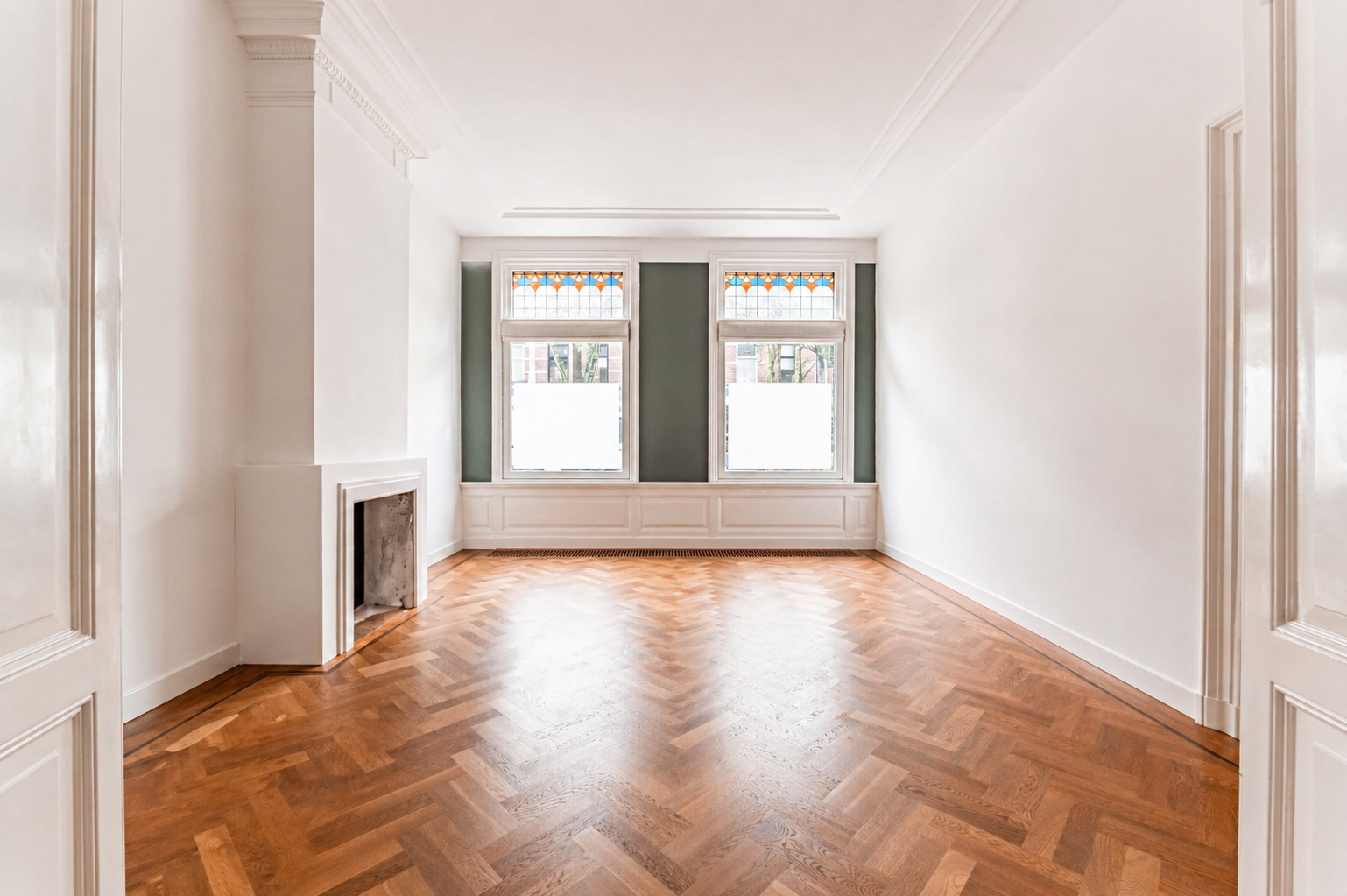
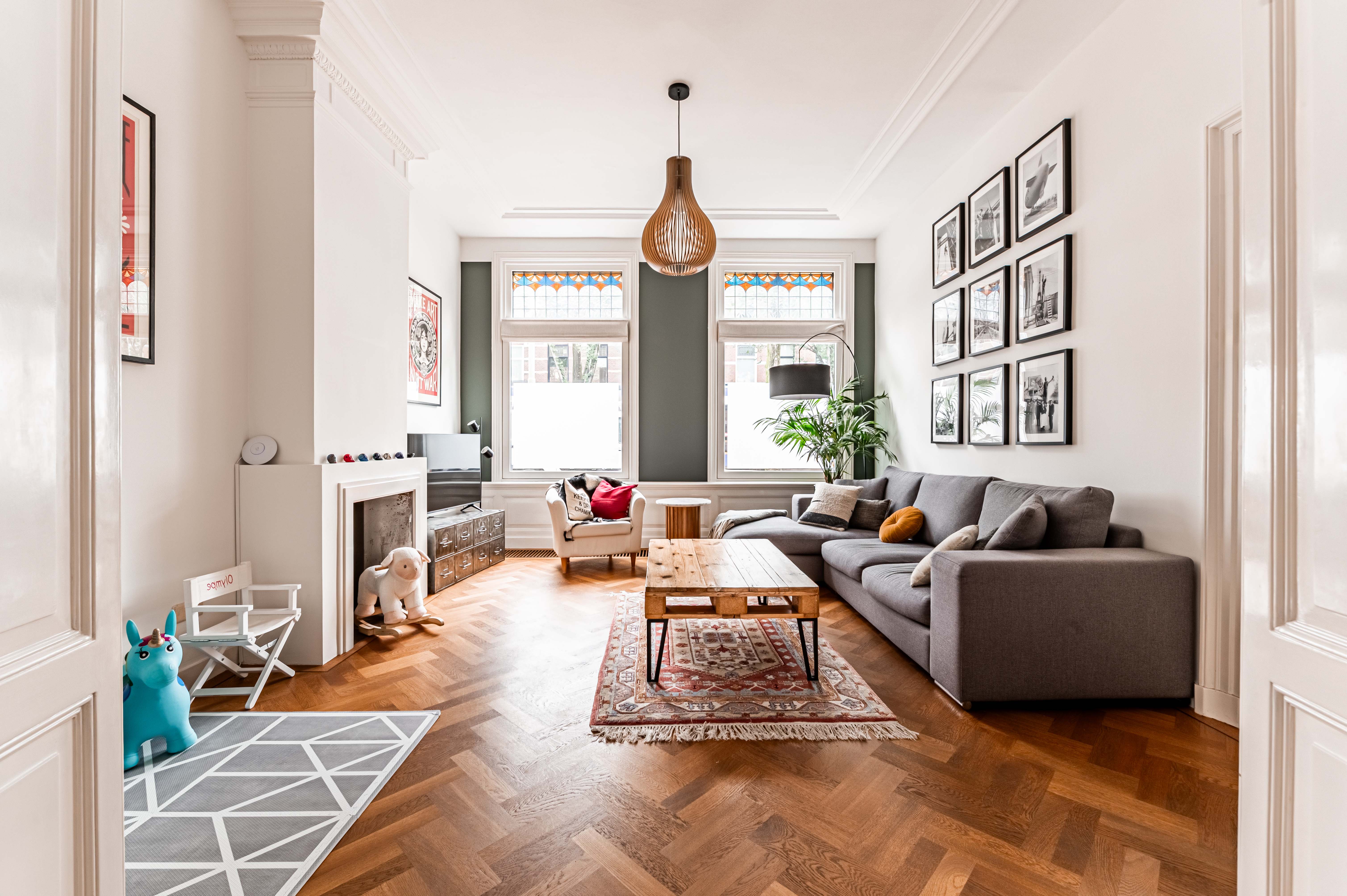
AI home styling for real estate agents
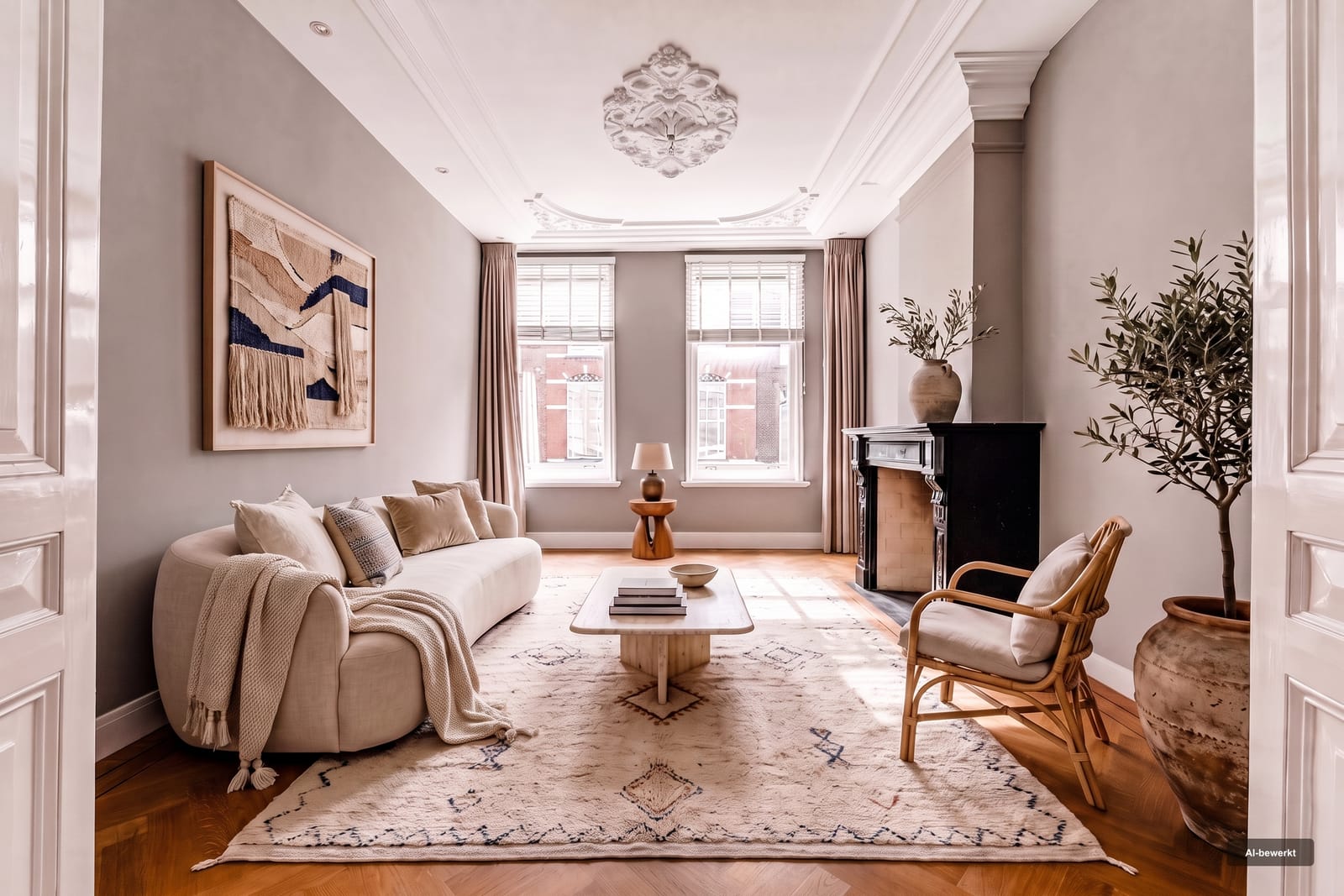
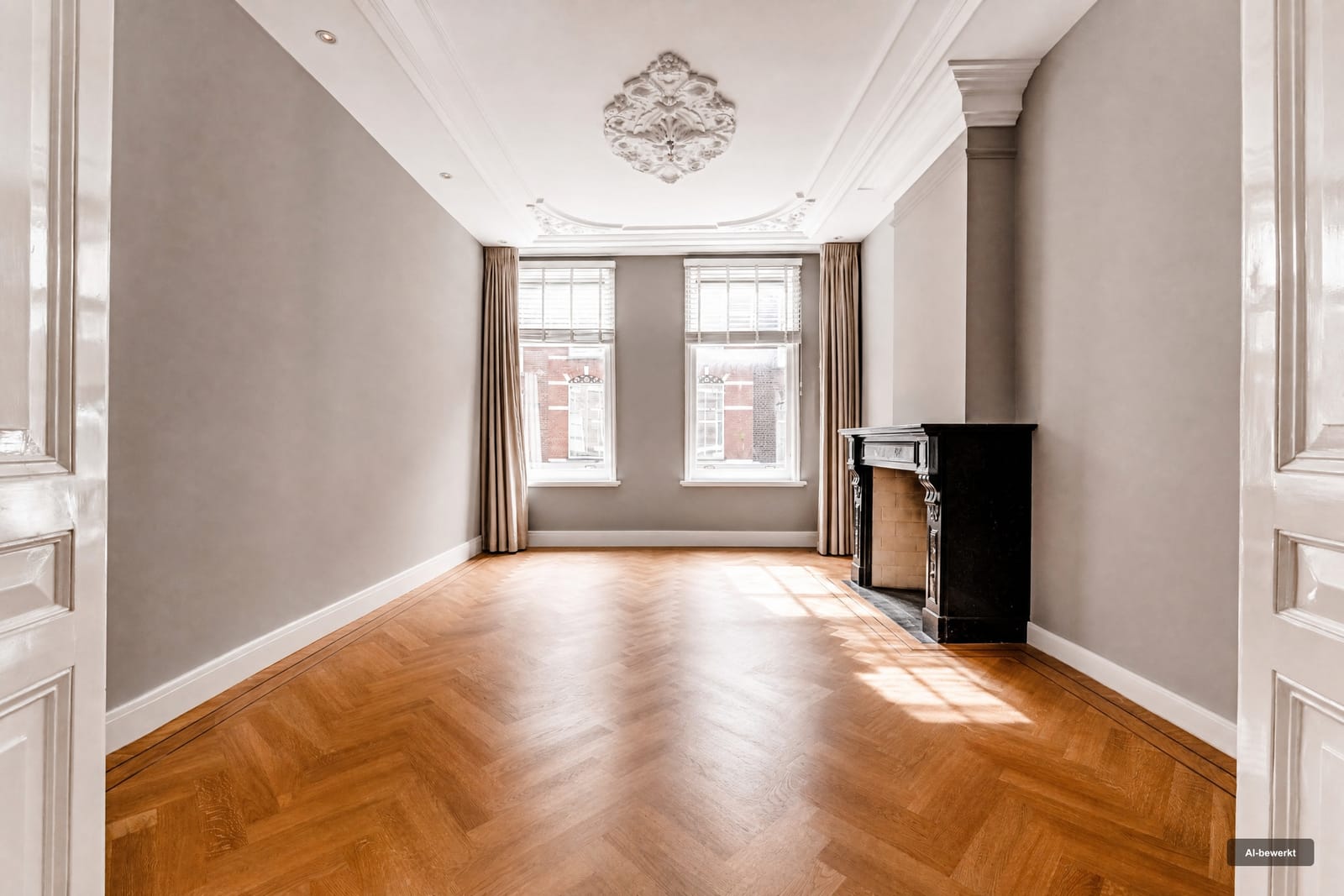
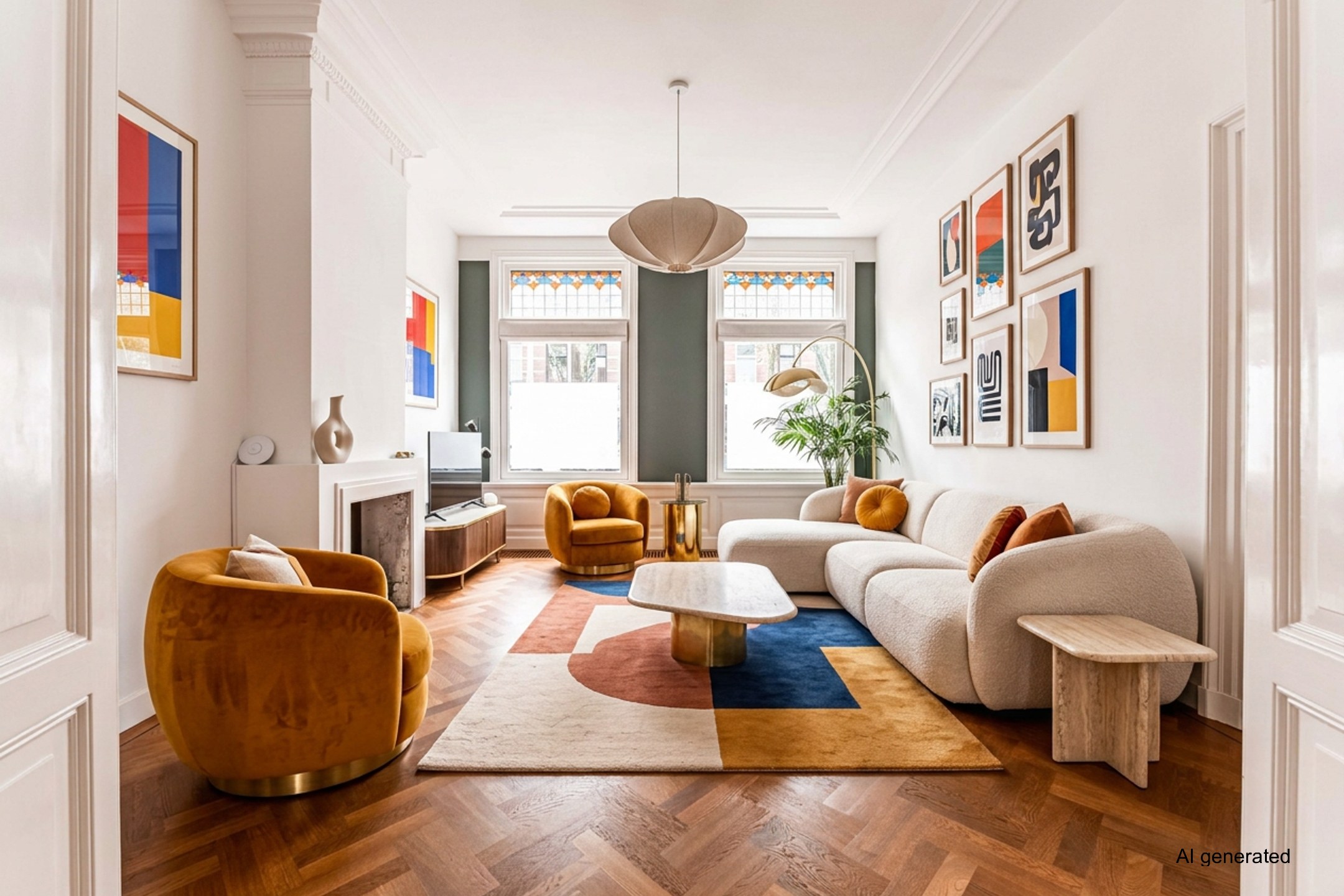
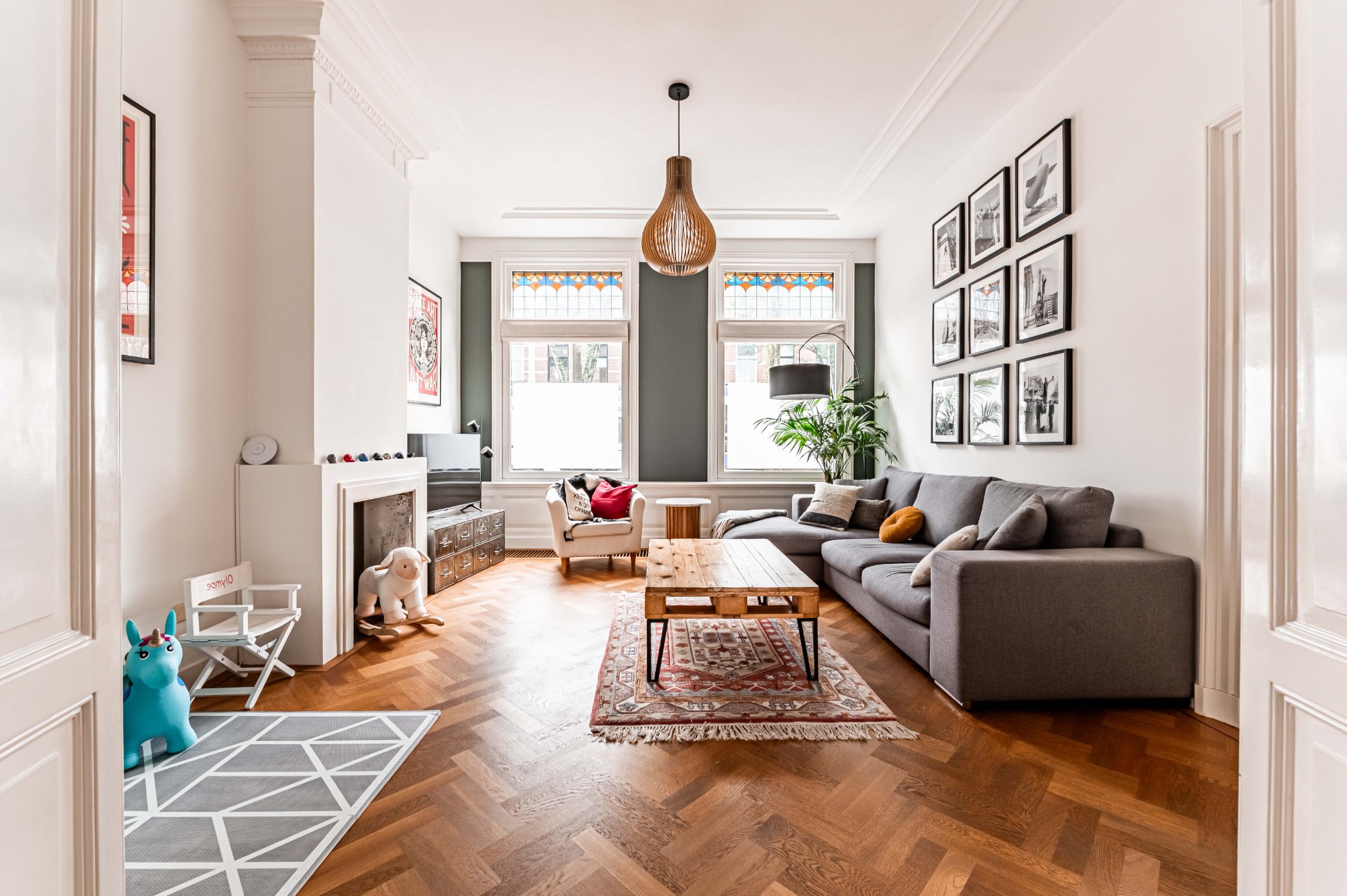
Example: a living room restyled. Every output carries the visible AI label.
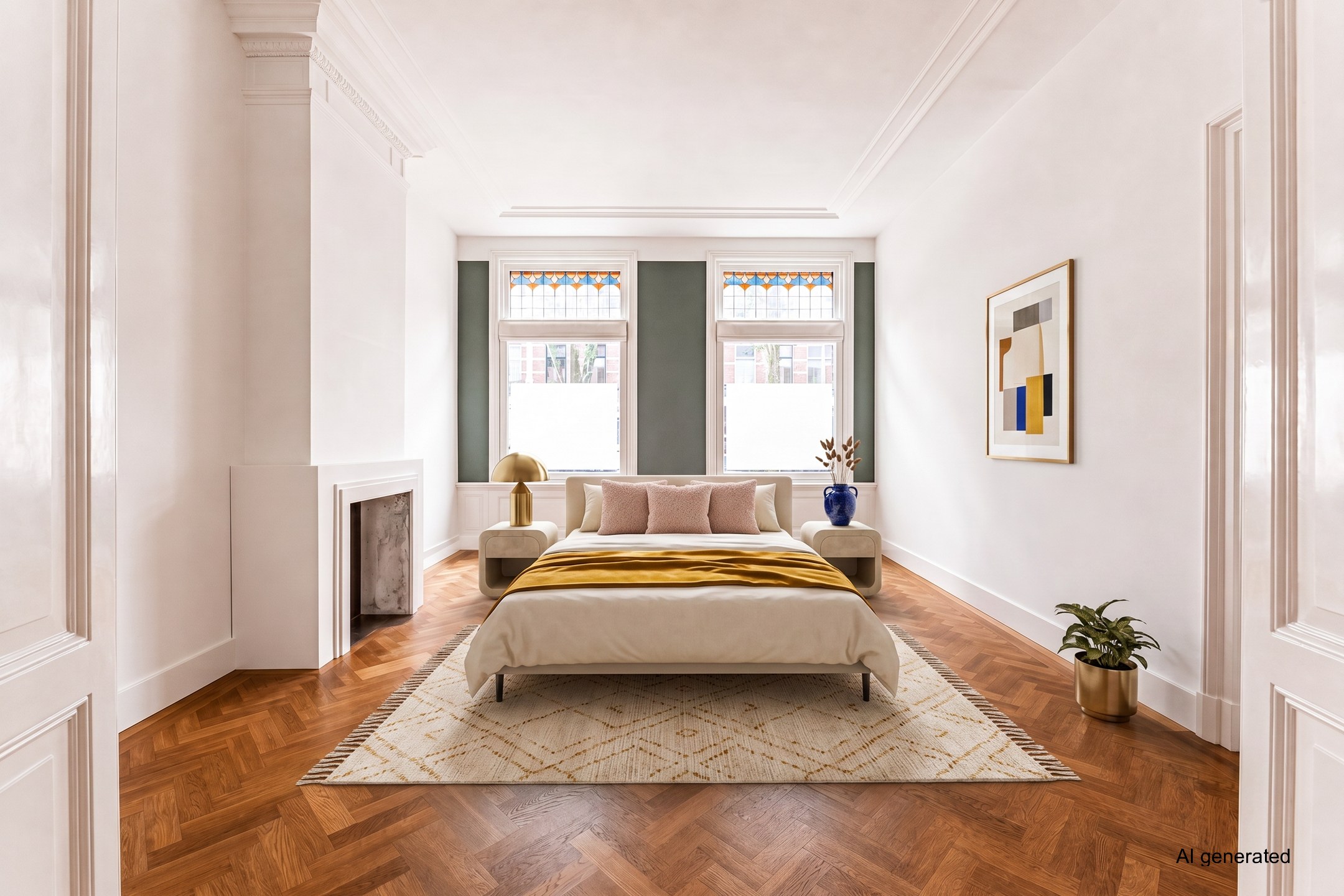
Upload a photo, pick a style and download a realistically furnished version. The mandatory AI label is applied automatically, so you can publish right away.
THE FUNCTIONS
Choose what should happen to the photo. Everything uses the same three steps.
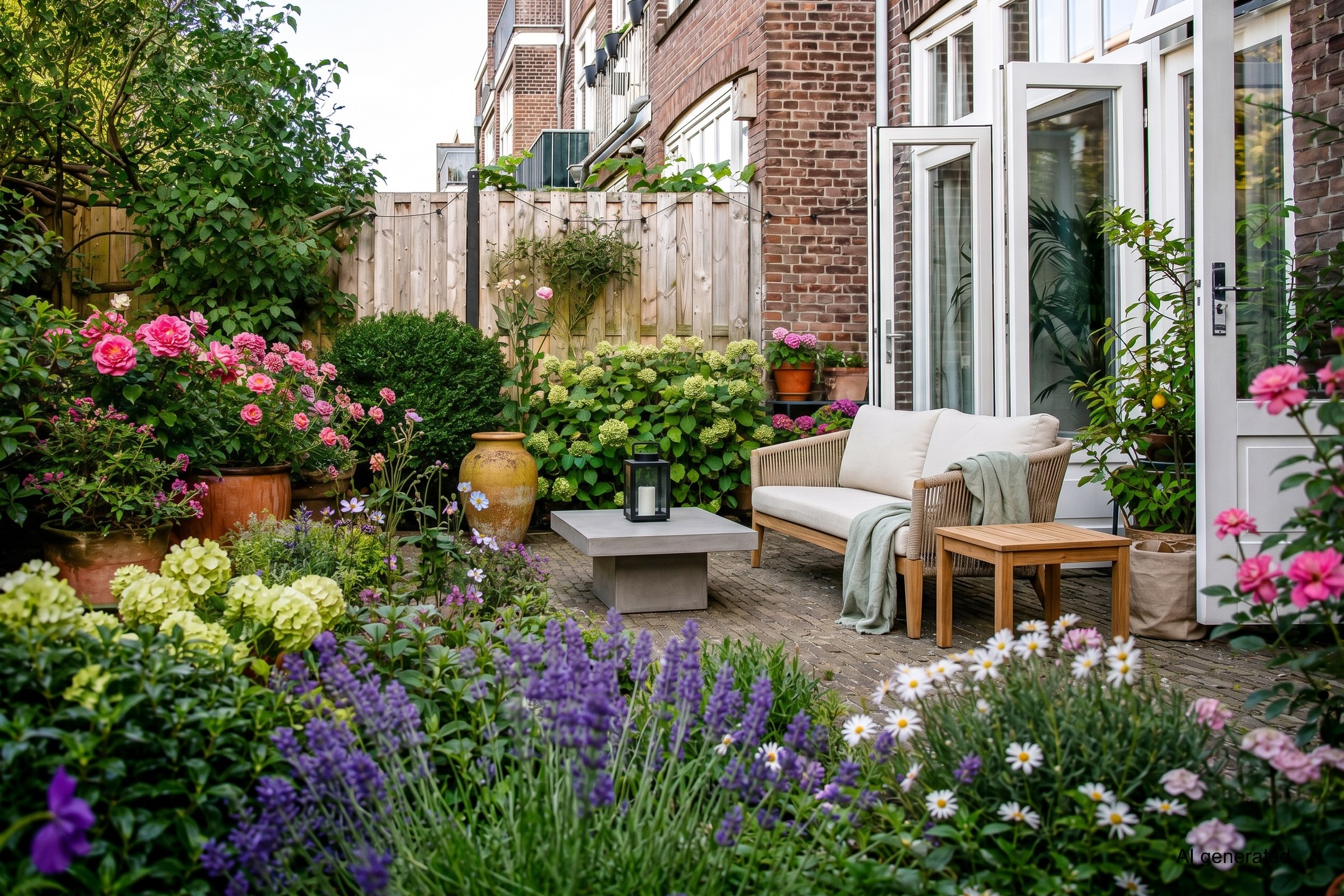
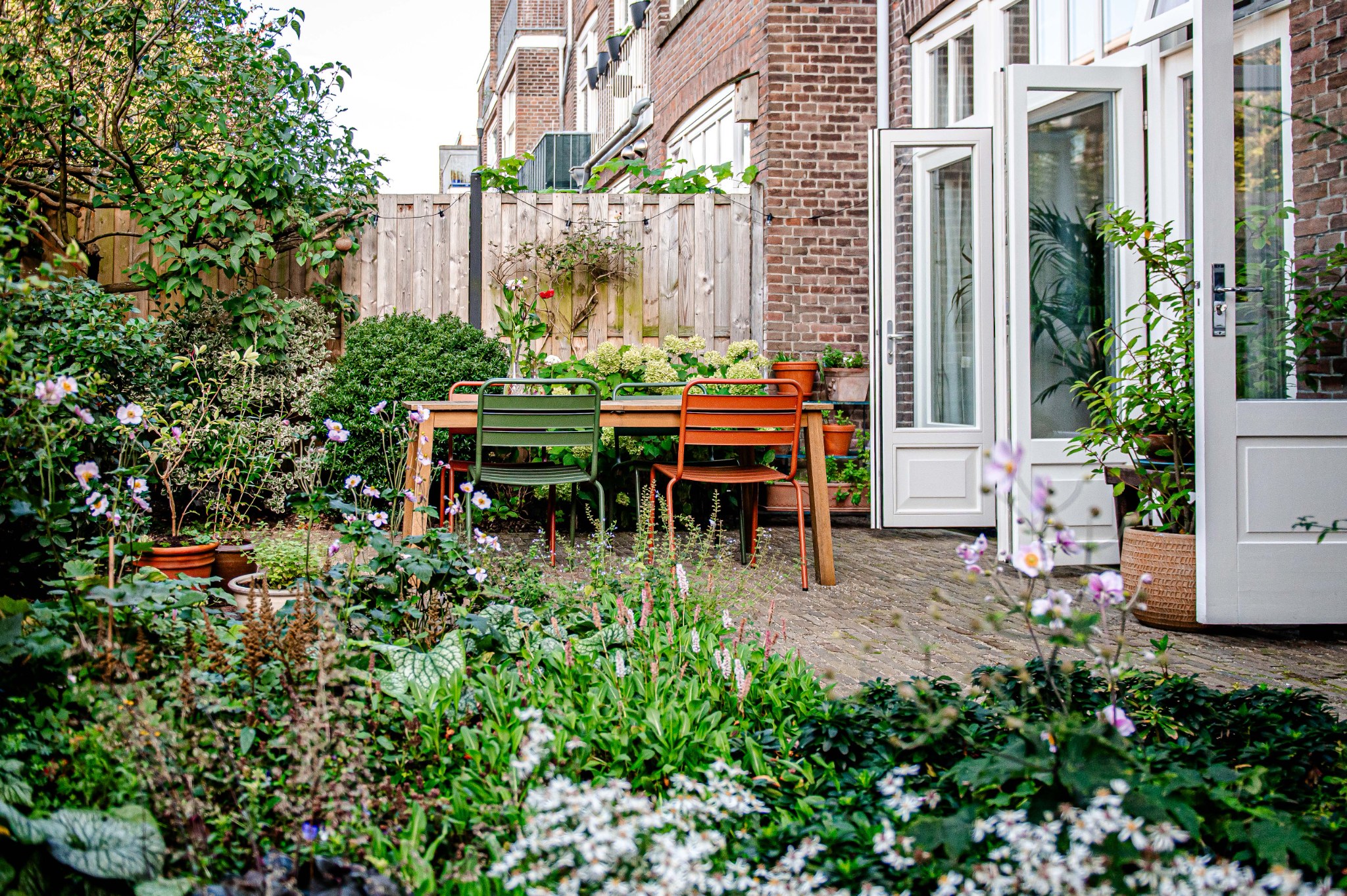
Lusher planting, or a full restyle with new garden furniture — grey sky becomes blue.
Try Garden+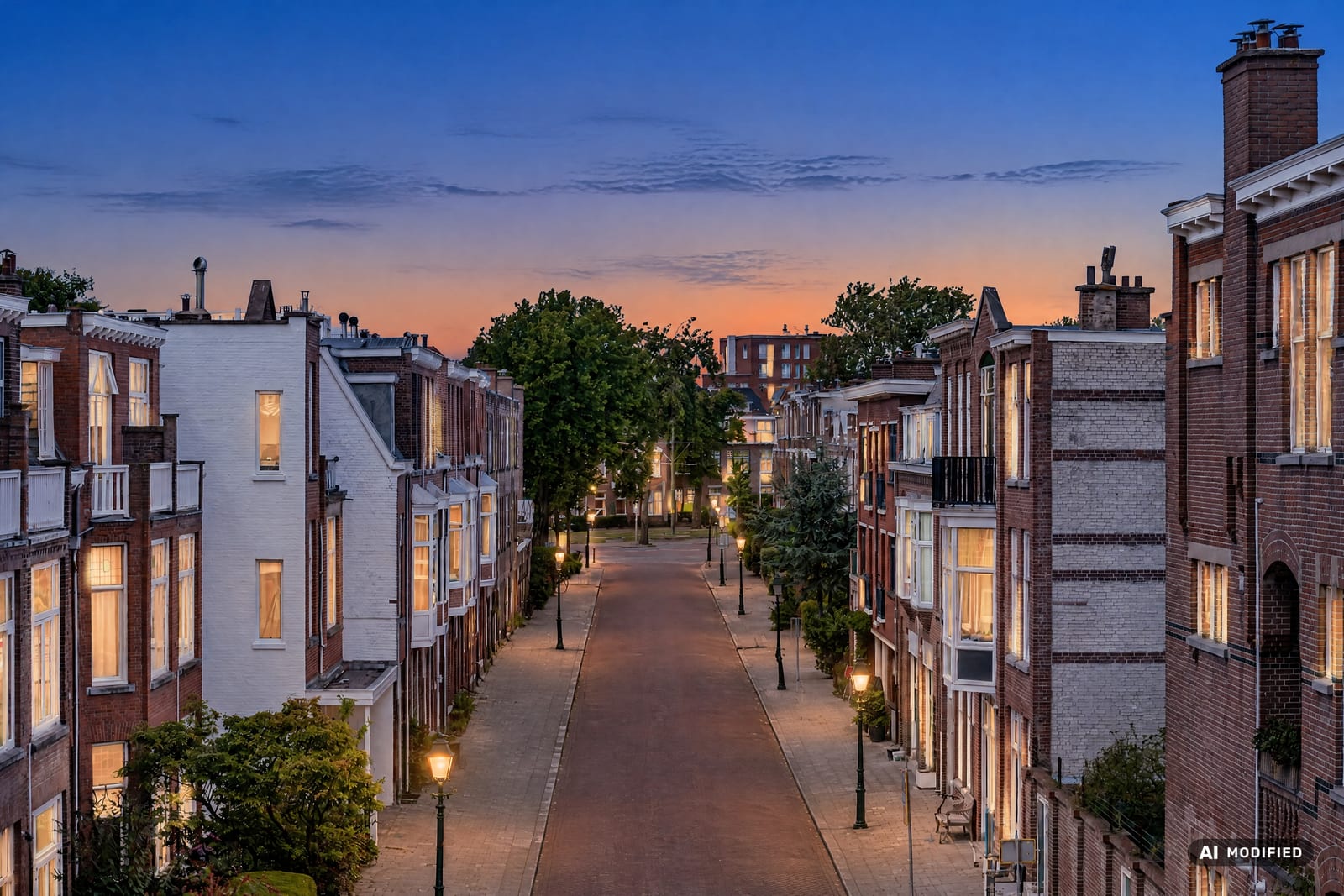
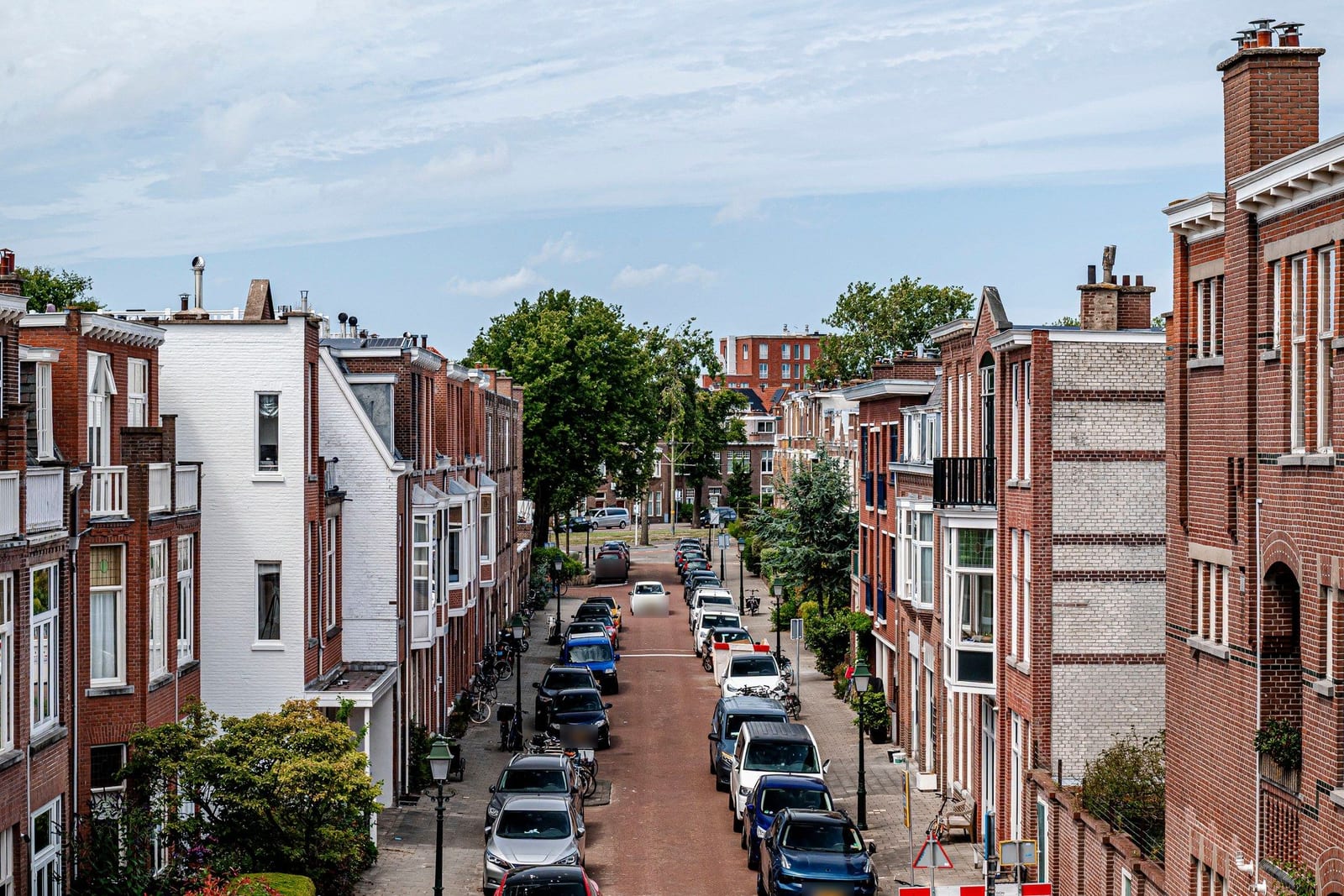
Evening light on your exterior — golden hour or twilight. Cars, bikes and bins disappear.
Try TwilightWORKFLOW
Clear Space, Restyle, Reimagine, Garden or Twilight — indoors or outdoors.
Pick a style or describe your own vision, then drop in your photo.
Website- and Instagram-ready, usually within 1–3 minutes.
TESTIMONIALS
I used the ZienKlaar tool during a sales meeting and I got the sale! It worked perfectly for that property.
I enjoy using ZienKlaar in my daily photography business. It's an easy tool to have, and it saves me time. My clients are happy with the results.
Turn any staging into a short before-and-after video for Instagram, TikTok or your website. 1 credit per video, with your own logo.
More about videoPricing
All prices include VAT. Prefer no subscription? There are one-off bundles too.
For solo agents
30 credits per month
€0.60 per credit
incl. VAT · €14.83 excl.
For active agents and photographers
150 credits per month
€0.45 per credit
incl. VAT · €56.16 excl.
For agencies and studios
450 credits per month
€0.40 per credit
incl. VAT · €148.72 excl.
Yes. Under the EU AI Act (Article 50), AI-edited imagery must be recognisable. ZienKlaar automatically adds a visible AI watermark to every image; also note it in the listing description, e.g. "Photos have been digitally edited for impression."
Clear Space, Garden and Twilight process in an average of 60–90 seconds per photo. Restyle, Reimagine and Garden+ work in multiple steps and take an average of 2–3 minutes. The first photo of the day may take slightly longer as the server starts up.
Yes. Your processed photos are safely stored in your personal gallery so you can always find and download them. You can delete them yourself at any time. You can keep your photos stored for a maximum of 30 days — after that they are automatically deleted.
Yes, absolutely. Anyone can create an account and process photos. All prices include 21% VAT, so you pay exactly the amount shown on the pricing page. Buying as a business? The amount excluding VAT is shown right below it.
All frequently asked questions
ZienKlaar is designed and trained for the real estate professional workflow. For best results, use landscape (horizontal) photos. The AI can make mistakes — always check the result before publishing.